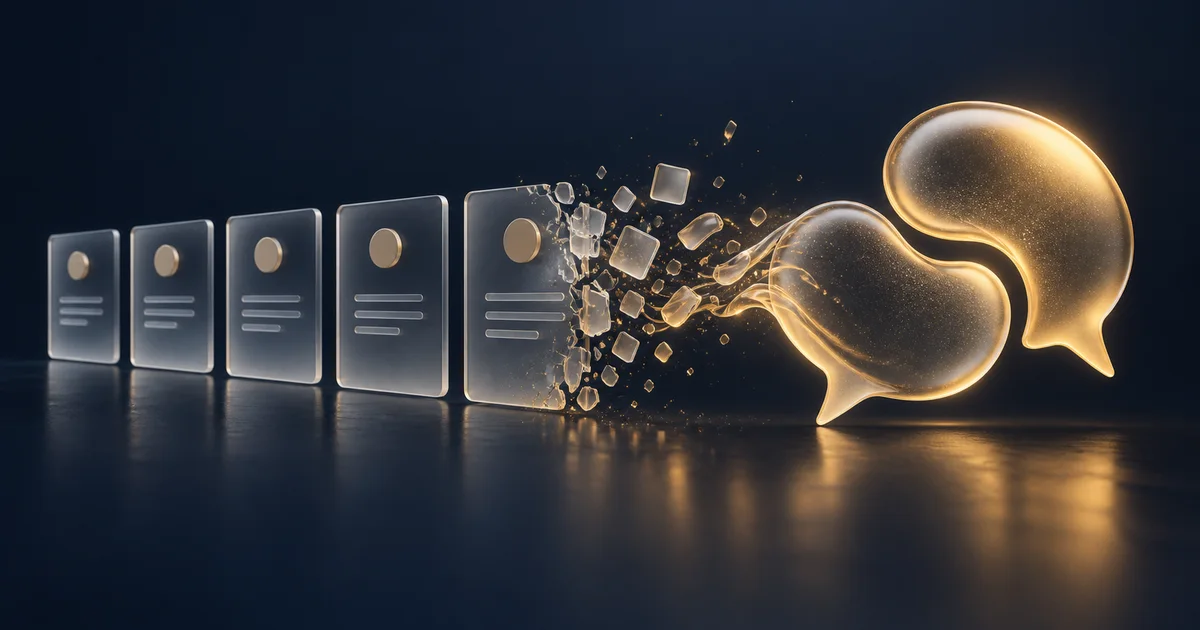
Why Click‑Tours Are Fading
For years, onboarding meant pop‑ups and arrows—“Click here. Now here. Next.” These flows assume every user is the same, ignore intent and skill level, and break as products evolve. They also create a one‑way experience: the product speaks; the user complies.
The Core Problems
- One‑size‑fits‑all guidance
- No path adaptation based on role or goal
- High maintenance cost as UI changes
- Little space for questions, emotion, or intent
The Conversational Shift
Modern onboarding is a conversation, not a script. AI voice assistants guide users like a teammate—asking clarifying questions, adapting to answers, and moving at the user’s pace.
What Changes with Voice
- Conversational prompts: “Want to create your first project now?”
- Personalization to tone, pace, and role
- Real‑time answers to blockers and questions
Trust Through Human Cues
Voice introduces emotional fidelity — tone, pauses, and emphasis — that text alone lacks. The psychology of activation explains why this works: voice carries five times the emotional signal of text, building trust at the moment it matters most. When users feel heard, they engage more, ask better questions, and reach outcomes faster.
How It Works (At a Glance)
- LLM for intent and context understanding
- Speech Recognition to interpret voice input
- Speech Synthesis for natural, real‑time responses
- Session Memory to retain context across steps
This loop completes in seconds using APIs like OpenAI Realtime, ElevenLabs, or the OnboardingVoice SDK.
Make the Leap with OnboardingVoice
Replace your “Next” button with a conversation. OnboardingVoice gives you everything you need to ship voice-guided onboarding:
- Flow design tools for conversational onboarding
- Document and FAQ ingestion for instant product knowledge
- A single script tag to embed voice UX
It is the bridge from tooltips to talking interfaces. Launch a voice-guided onboarding in minutes.
Blueprint: Migrating from Tours to Conversation (5 Steps)
-
Define the first win
- Specify a crisp activation event (e.g., “first project created”) and the minimal actions to reach it.
- Remove non‑critical steps from the initial path and defer them behind “teach me later” prompts.
-
Collect product knowledge
- Feed docs, FAQs, and support transcripts into your assistant.
- Add outcome‑based examples (“If the user is a marketer, suggest template X”).
-
Design the voice flow
- Write 5–8 conversational turns: greet, clarify role/intent, propose the next action, confirm success, and celebrate.
- Include recovery lines for common blockers (permissions, missing data, wrong plan).
-
Ship instrumentation
- Track intent recognized, step completion, and time‑to‑aha.
- Create cohorts for users guided by voice vs. static tours to measure lift.
-
Iterate weekly
- Review call transcripts to refine prompts and shorten time‑to‑value.
- Promote proven snippets into reusable “skills” across surfaces.
Copy Snippets You Can Reuse
Opening “Welcome! I’ll help you set up your first project. May I tailor this to your role?”
Momentum “Nice—your project is created. Would you like me to add a starter template or keep it blank?”
Recovery “Looks like we need permissions to proceed. I can send a request to your admin or show a read‑only walkthrough for now. Which do you prefer?”
Metrics That Matter
For a deeper dive into onboarding measurement, see our guide on SaaS onboarding metrics that predict revenue.
- Time‑to‑aha (minutes to first success)
- Activation rate (% who complete the first win)
- Guided conversation NPS (per session)
- Help ticket deflection attributed to the assistant
Sustained improvements on these four metrics indicate your conversational onboarding is compounding value.